 $2.99Design
Design
Use this Skill: Illustrations that fit your long-form article just right
Free
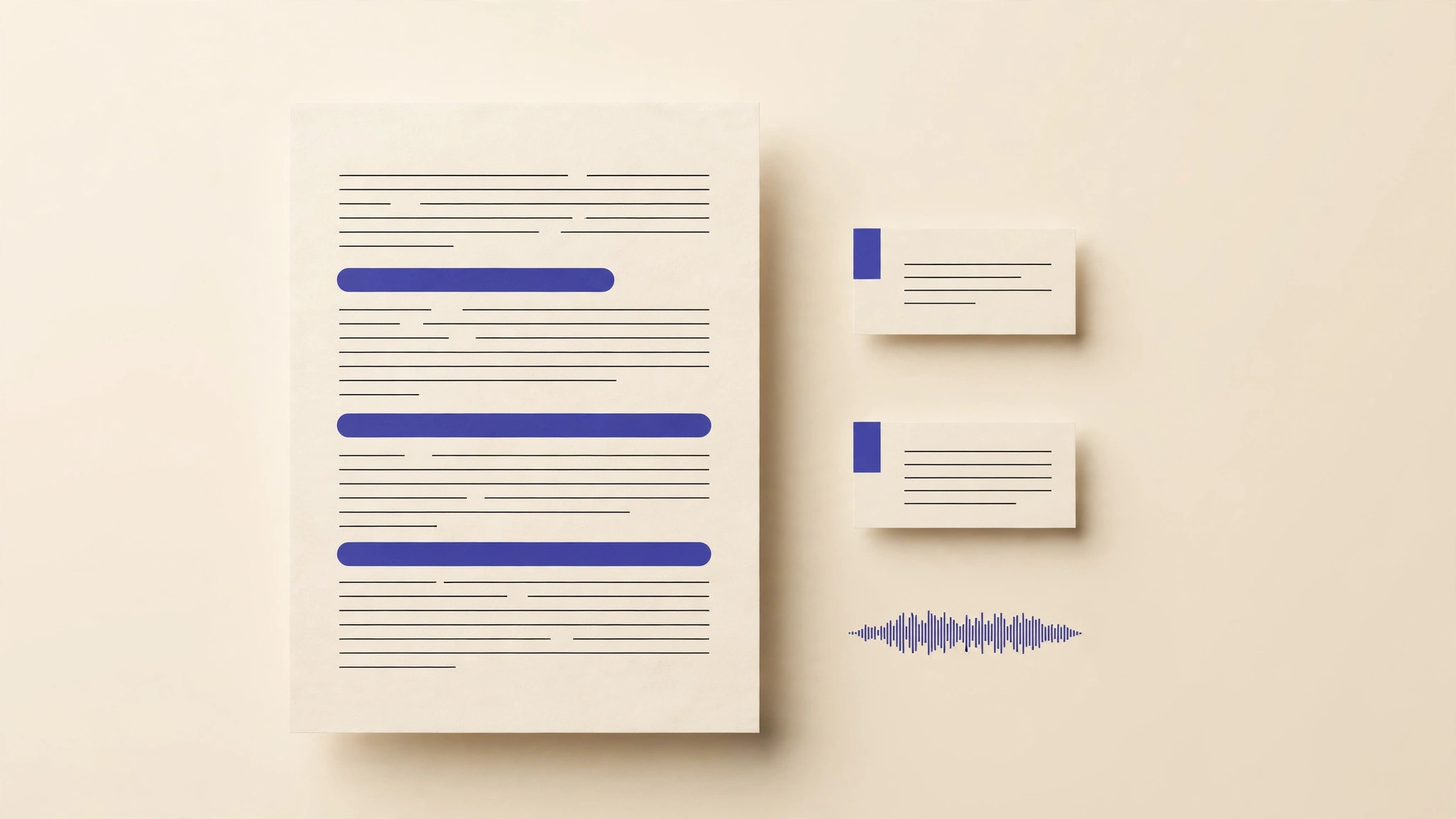
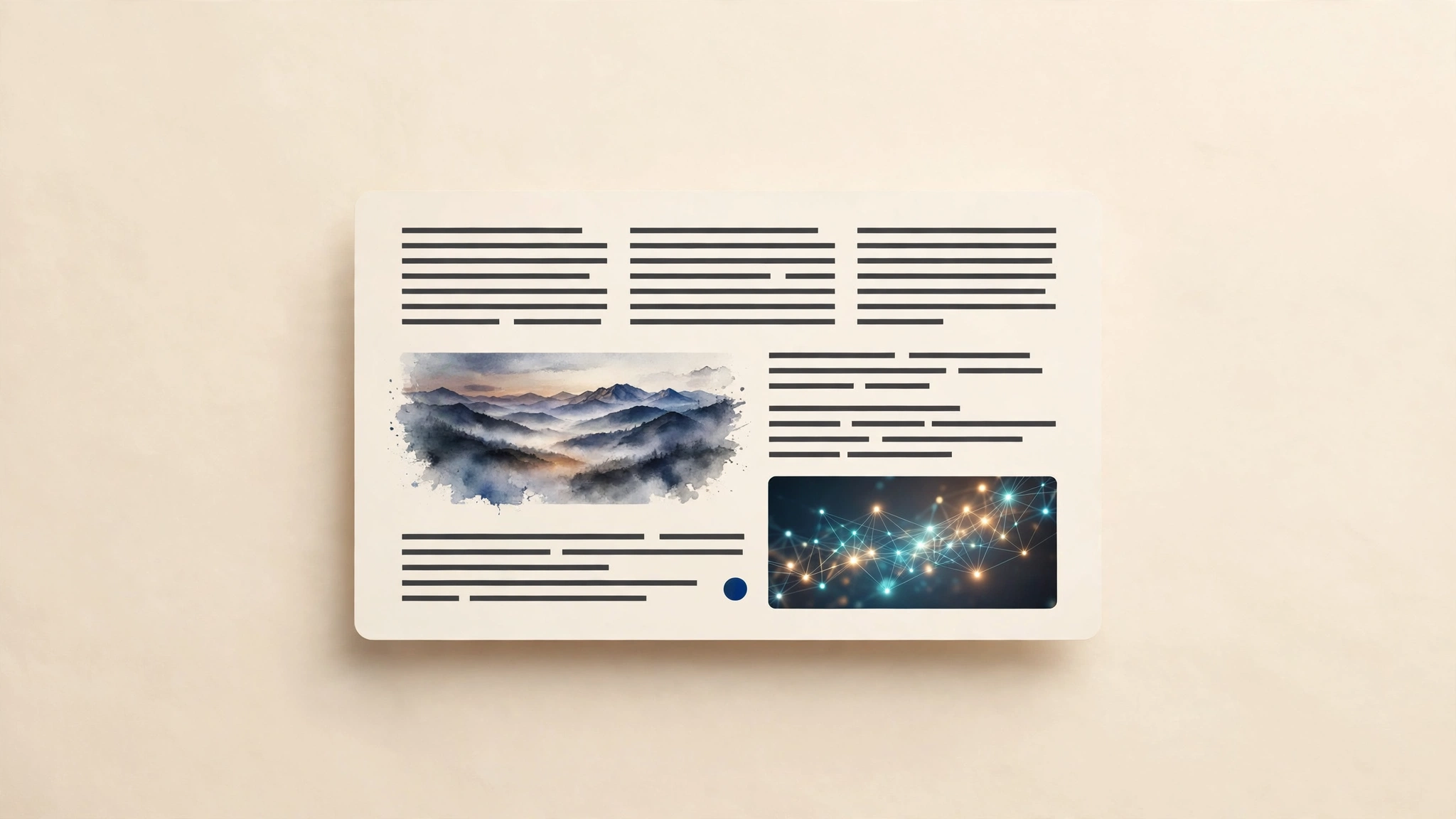
Subscribe — use every SkillOne subscription unlocks the full catalog, including this Skill.A four-step illustration-planning workflow for long articles: first fetch the full text (local markdown or URL), then judge illustration needs paragraph by paragraph — illustrations serve only three purposes: supplementing information, visualizing concepts, and sparking imagination; code samples, simple lists, and verbatim quotes are always skipped. Then output a structured illustration plan (insertion point / purpose / visual description / filename), and finally generate style-consistent illustrations per the plan and insert them back into the article. Quantity rule: err on the side of more, not fewer.
Updated 2026-09-30
 Claude Code
 Codex
Codex Cursor
 GitHub Copilot
 $3.99Writing
/article-illustrator
A four-step illustration-planning workflow for long articles: first fetch the full text (local markdown or URL), then ju…

Err on the side of more, but follow information density: consider an image wherever a new concept appears, the scene shifts, data is compared, or readers might zone out; skip code blocks, simple lists, and verbatim quotes. No more than 2 images per screen (~500 words) to avoid visual fatigue.